
How to Use ChatGPT to Write a Resume That Actually Gets Interviews in 2026
A tested, prompt-by-prompt workflow — plus the mistakes that get AI resumes flagged and rejected.
By Oyekale Olawale
Quick Answer
Feed ChatGPT your raw work history and the actual job description, then work section by section — summary, bullets, ATS keywords — instead of asking it to “write my resume.” Use GPT-5.5 or GPT-5.6 (both handle this well), never let it invent metrics or job titles, and always read the final draft aloud before you submit it. That’s the whole method; everything below is the “how.”
I’ve rebuilt my resume with ChatGPT more times than I’d like to admit — for my own career pivots and while testing prompts for this site. The version below is what actually survived contact with real applications, not a theoretical guide. No 500-word history lesson on large language models. Let’s get into it.
Why ChatGPT Still Works for Resumes in 2026
OpenAI shipped the GPT-5.6 family — Sol, Terra, and Luna — on July 9, 2026, after a short limited-access period. In standard ChatGPT, GPT-5.5 Instant still handles most everyday chats, while GPT-5.6 Sol is available to eligible paid plans through the reasoning setting for harder tasks. For resume work, the practical difference is small: both generations follow structured, section-based prompts well and hold onto job-description context across a long back-and-forth without losing the thread.
What hasn’t changed is the core trade-off. ChatGPT is genuinely good at turning vague responsibilities into achievement-focused bullets, matching your language to a job posting, and catching ATS-unfriendly formatting like tables, text boxes, and multi-column layouts that many parsers still choke on. It’s not good at knowing what you actually did — and it will confidently fill gaps with plausible-sounding numbers if you let it. That’s the one rule that matters more than any prompt: you supply the facts, ChatGPT supplies the phrasing.
How I Actually Tested This
I ran the same job history — a mid-level marketing role with vague bullet points like “responsible for social media” — through ChatGPT four separate times, using a fresh chat each time and varying only the prompt structure. I also tested the Canvas mode for drafting, since it’s the natural place to iterate on a document like this.
Two things tripped me up. First, when I asked ChatGPT to “estimate a reasonable metric” for a bullet where I genuinely didn’t have one, it produced a specific number (in one run, “increased engagement by 34%”) without flagging it as an estimate — I only caught it because I know I never measured that. Second, Canvas’s bullet-point formatting doesn’t always survive a copy-paste into Word cleanly; nested bullets sometimes collapse into a single paragraph, and I had to manually re-format two sections after export. Neither issue is a dealbreaker, but both are exactly the kind of thing you won’t notice if you copy the output straight into a submission.
Before You Open ChatGPT
The output is only as good as what you feed in. Have these ready before you start a chat:
- Your current resume or a plain-language brain dump of your work history
- The full text of the job posting you’re targeting
- Real numbers wherever you have them — revenue, headcount, time saved, error rates
- A short note on what you’re moving toward, especially if you’re changing industries
The Prompts I Actually Use
1. The Professional Summary
Skip “write my summary.” Instead:
“I’m a [job title] with [X years] in [industry/skills]. My top achievements are: [list 3–4]. Write a 3-line professional summary that’s specific and tailored to this posting: [paste job description].”
2. Work Experience Bullets
“Rewrite these bullet points using: action verb + specific task + measurable result. If I haven’t given you a metric, mark it ‘[NEEDS METRIC]’ instead of inventing one: [paste raw bullets].”
That bracketed instruction is the single most useful line in this whole guide — it’s what stopped ChatGPT from quietly fabricating numbers in my tests.
3. ATS Keyword Extraction
“Here’s a job description: [paste]. List the top 15 keywords and phrases an ATS would likely scan for, grouped by hard skills, soft skills, and tools.”
4. Tailoring an Existing Draft
“Here’s my draft resume: [paste]. Here’s a job posting: [paste]. Adjust emphasis and wording to match this role without adding anything I didn’t already tell you.”
Prompt Cheat Sheet
| Resume Section | What to Include in the Prompt | What to Check Before Using It |
|---|---|---|
| Summary | Title, years, top achievements, target job description | Does it sound like you, or like every other candidate? |
| Experience bullets | Raw notes + “mark missing metrics, don’t invent them” | Every number traceable to something you can explain in an interview |
| ATS keywords | Full job posting text | Only add keywords that reflect real experience |
| Tailoring | Draft resume + target posting | Formatting still ATS-safe (no tables/columns) after edits |
How Common Is This, Really?
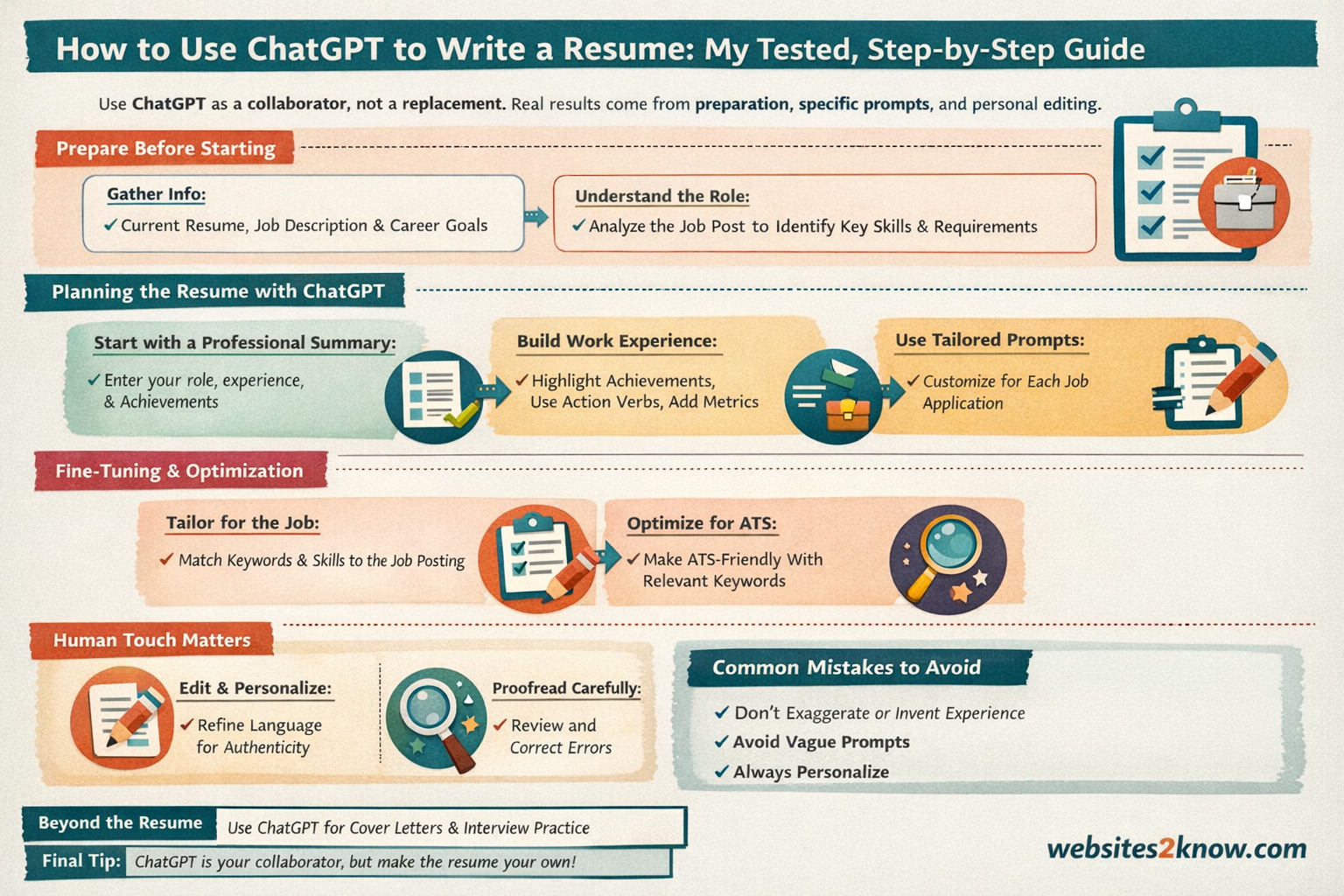
Using AI on a resume isn’t a fringe move anymore. A 2026 Enhancv survey found close to half of job seekers now use AI to help write their resume. Separately, a ZipRecruiter poll of recently hired workers found 53% used ChatGPT or a similar AI tool somewhere in their job search — and when asked which task they used it for most, resume drafting topped the list at 23%. Different surveys, different questions, but the direction is the same: AI-assisted resumes are now the norm, not the exception.
Left: Enhancv 2026 survey (resume writing specifically). Right: ZipRecruiter 2026 survey of recently hired workers (any AI use during job search) — these measure different things and aren’t directly comparable, but both point the same direction.
Mistakes That Get AI Resumes Rejected
✅ Do this
- Give ChatGPT your real facts and let it handle wording
- Ask it to flag missing metrics instead of guessing
- Read the whole thing aloud before submitting
- Re-check formatting after any Canvas export
❌ Avoid this
- Typing “write my resume” with no context
- Copy-pasting the first draft straight into an application
- Letting it invent metrics or job titles
- Keyword-stuffing skills you can’t actually speak to in an interview
ChatGPT vs. Dedicated AI Resume Tools
ChatGPT is flexible and free to start with, but it won’t score your resume against a specific ATS or show you a match percentage. If you want that layer, purpose-built tools that scan and score resumes against a posting are worth pairing with your ChatGPT draft — I cover several of them, including ones built specifically for tracking applications and tailoring resumes at scale, in my roundup of AI tools for job seekers. Use ChatGPT to write and refine; use a scoring tool to sanity-check before you hit submit.
If you’re deciding which AI assistant to lean on in the first place, it’s also worth knowing where ChatGPT’s strengths sit relative to competitors — I’ve broken that down for coding tasks in this comparison of ChatGPT for developers, and for marketing use cases in ChatGPT vs. Gemini for marketers. For resume writing specifically, though, ChatGPT’s flexibility with long, messy, back-and-forth prompting is exactly what this task needs — a strict single-purpose tool can feel more rigid.
Beyond the Resume
Once the resume is done, the same chat thread is useful for a cover letter draft and a set of likely interview questions based on what’s now on the page — ask it to generate “5 interview questions based on this resume and this posting, with talking points, not scripted answers.” It’s also worth running the final draft through a check for anything that reads as generic or over-polished; I go into that in more depth in this look at tools that flag AI-sounding text, which is handy for making sure your resume voice still sounds like you.
If you want the bigger picture on how fast AI writing tools are being adopted generally — not just for resumes — I’ve tracked the broader numbers in ChatGPT statistics for 2026, and if resume writing is just one piece of a bigger AI-assisted job search or content workflow, this guide on researching and writing with generative AI is a useful next stop. Small business owners doing their own hiring might also find this piece on ChatGPT for small business marketing relevant on the other side of the hiring desk.
FAQ
Will recruiters know I used ChatGPT?
Not from the fact that AI helped — that’s now common. They’ll notice if the language is generic, over-formal, or doesn’t match how you actually talk. Edit the output until it sounds like you.
Can ChatGPT guarantee my resume passes ATS?
No tool can guarantee that. ChatGPT can flag risky formatting (tables, columns, headers/footers, graphics) and suggest relevant keywords, but the final formatting decision — and honesty of the content — is yours.
Is it okay to let ChatGPT estimate my achievements?
No. Ask it to mark anything you didn’t provide a number for as “needs metric” rather than filling in a plausible-sounding figure. Fabricated numbers are the fastest way to lose credibility in an interview.
Which ChatGPT model should I use for this?
GPT-5.5 Instant, the default in most ChatGPT plans, handles resume prompts fine. If you have access to GPT-5.6 Sol through the reasoning setting, it’s slightly better at holding long job-description context, but it’s not a requirement for this task.
Bottom Line
ChatGPT won’t write a resume that gets you hired on its own, and it isn’t supposed to. It’s fastest at the part most people struggle with — turning real experience into clear, achievement-focused language — as long as you keep it anchored to facts you actually supplied. Feed it details, work section by section, ask it to flag rather than invent gaps, and read the final version out loud before it goes anywhere near a job application. That’s the whole difference between a resume that sounds like everyone else’s ChatGPT output and one that sounds like you.


