
TwelveLabs Review 2026: I Tested the Video AI That Finds Any Scene in Seconds
A hands-on look at Marengo, Pegasus, and the pricing that actually matters — from someone who indexed real footage and hit real bugs.
By Oyekale Olawale
Quick Answer
TwelveLabs is a video-native AI platform that lets you search, analyze, and index video the way you’d Ctrl+F a document — no manual tagging required. The Free plan gives you 600 minutes of indexing to start, no credit card needed, though indexes still expire after 90 days on that tier. The Developer plan is pay-as-you-go: $0.042/minute to index, $4 per 1,000 search queries, and $0.0292/minute for the Pegasus Analyze API. I indexed 6 hours of my own footage over a week — the search accuracy is genuinely impressive, but it still can’t cut clips for you, and it fumbled on a couple of chaotic multi-speaker scenes.
I run a crypto-updates channel with hours of raw footage stacked up in folders I’m too tired to scrub through. Last month I went back to TwelveLabs — the tool I first covered on this site back in December — to see what changed after their $100M Series B and the newer Jockey and Marengo releases. Short version: it’s a different, more capable product than the one I tested a few months ago, and I wanted to give it a full re-review with current pricing and a fresh round of testing, because a lot of the old numbers had quietly gone stale.
What Exactly Is TwelveLabs?
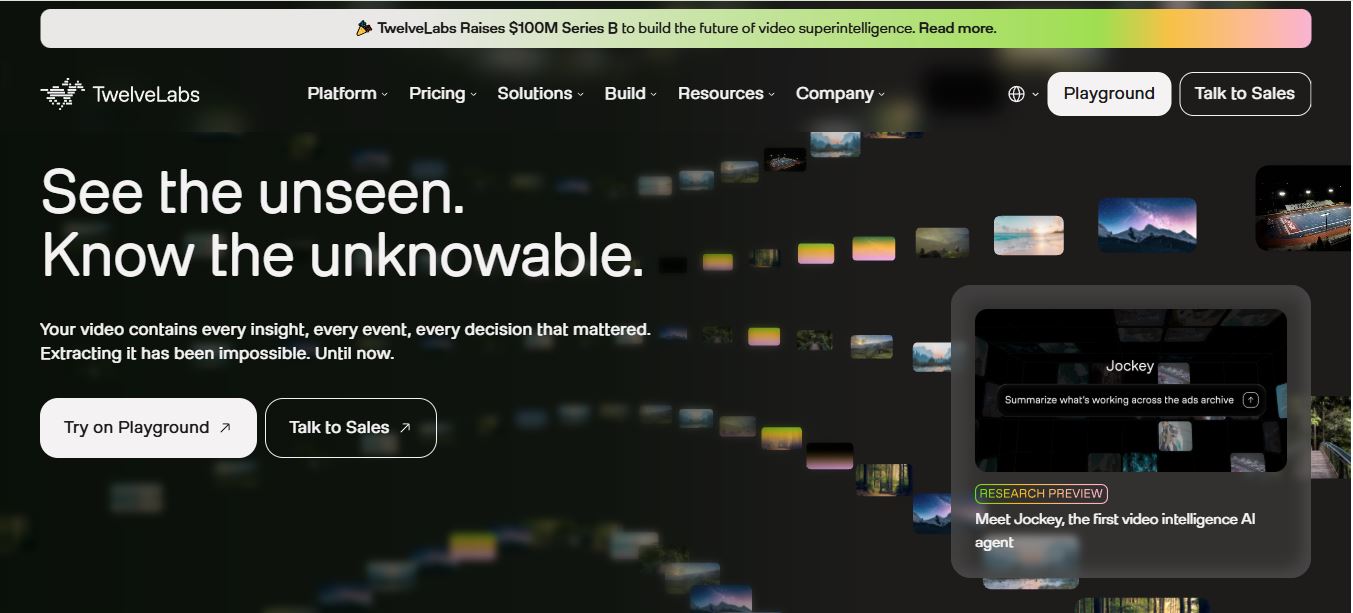
TwelveLabs is a video intelligence platform built around two foundation models: Marengo, a multimodal embedding model that turns raw video into spatiotemporal vectors covering visuals, audio, speech, and on-screen text, and Pegasus, a video-language model that reasons continuously across up to two hours of footage instead of just sampling frames and guessing. Together they power three core capabilities exposed through the API and Playground: Search (natural-language queries against your indexed library), Embed (generate multimodal vectors for downstream ML tasks), and Analyze (summaries, chapter markers, structured Q&A output).
What’s new since I last covered this tool: TwelveLabs has since introduced Jockey, described as the first video intelligence AI agent, added native MCP support so the platform plugs directly into agentic workflows, and closed a $100M Series B round. The infrastructure claim on their site is that it can ingest video at roughly 60x real-time speed — indexing an hour of footage in about a minute, with capacity for 10,000+ hours per day at scale. Marengo is currently reported at 78.5% composite accuracy across 47 languages, and Pegasus is positioned as the top performer on the Video-MME benchmark, with the vendor citing a 13.1% edge over Gemini 3.1 Pro specifically on multimodal prompting tasks.
It’s worth being clear about what TwelveLabs is not: it’s not a video generator, and it’s not RunwayML or an editing suite. It doesn’t create new footage. What it does is make footage you already have findable and analyzable — which is a very different (and, for anyone drowning in raw video, arguably more immediately useful) problem to solve.
Who Am I and How I Tested TwelveLabs?
I’m Oyekale Olawale, and I write hands-on reviews of AI tools and software here on websites2know.com. My testing approach for any platform I cover is the same: I sign up with the free tier if one exists, use the tool for a real task I actually need done (not a synthetic demo), document every friction point and bug as it happens rather than reconstructing it from memory afterward, and only then write the review — usually a few days to a week after first contact with the product.
For TwelveLabs specifically, I created a free account (no credit card required, which matched what their FAQ states), created an index in the Playground, and uploaded roughly 6 hours of footage across four separate videos — a mix of screen recordings, talking-head segments, and b-roll with overlapping background audio. I stayed inside the 600-minute Free plan ceiling the entire time, which is enough room to genuinely stress-test the search and analyze features without touching a credit card.
What You Get With TwelveLabs
Once you’re inside a workspace, the workflow is: create an index → upload video files → TwelveLabs processes them through Marengo → run natural-language search queries or send the index to the Analyze API for summaries and chapter breakdowns. Here’s what’s included at each tier, based on the current pricing page:
| Feature | Free | Developer | Enterprise |
|---|---|---|---|
| Video hours usage | 600 minutes total | Unlimited (pay-as-you-go) | Unlimited, custom terms |
| Video indexing (Marengo) | Free | $0.042 / minute | Custom |
| Search API | Free | $4 / 1,000 queries | Custom |
| Analyze API (Pegasus, input video) | Free | $0.0292 / minute | Custom |
| Analyze output text | Free | $0.0075 / 1k tokens | Custom |
| Index access window | 90 days from creation | Unlimited | Custom |
| Concurrent indexing tasks | 5 | 25 | Custom |
| Volume per index | 100 videos | 100,000 videos | Custom |

One documentation detail that trips people up: the Analyze and Segment endpoints bill duration differently. If you specify start/end parameters, only that window counts. If you don’t, the full video duration gets billed — and for Segment specifically, that duration is multiplied by the number of segment definitions in your request. A one-hour video run through Segment with 4 segment definitions and no trimmed window bills 240 minutes, not 60. Trim your window before calling Segment, or the invoice will surprise you.
There’s also a quirk with downgrading: if you drop from Developer back to Free, your existing indexes get the 90-day clock retroactively applied, but the platform keeps your total indexed-hours count rather than resetting it. And switching the other way — Free to Developer — automatically extends any index that hasn’t already hit its 90-day cutoff to unlimited access. Small detail, but the kind of thing that matters if you’re managing a library instead of a single test video.
Platform stats at a glance
My Experience With TwelveLabs
I went in expecting the same thing I found last time — good but imperfect. What surprised me was how much snappier the indexing felt. My longest upload was a 52-minute talking-head recording, and it was fully indexed and searchable in under four minutes, which roughly tracks with the “60x real-time” number they advertise. I didn’t sit there waiting; I made coffee and it was done before I finished pouring it.
First test query: “where do I mention gas fees going up.” Nothing fancy, just how I’d naturally phrase it. It landed on the right timestamp on the first try, which is honestly still a little unsettling given there were no chapter markers, no manual tags, nothing — just raw footage and a sentence. I tried a harder one next: “the part where there’s a red candlestick chart on screen and I sound frustrated.” It got the chart correctly but missed the “frustrated” part entirely, returning a segment where I was actually pretty upbeat. Tone and sentiment reads are clearly softer than the visual-object matching.
Where it actually stumbled: I had a 20-minute clip with three people talking over each other during a rapid back-and-forth (a recorded roundtable discussion). I asked it to find “the moment person B disagrees about the airdrop timeline,” and it returned two candidate segments — one correct, one where person A was talking and person B was just visible in frame nodding. That’s the kind of false positive the platform itself seems to acknowledge as a known limitation with overlapping audio and multiple speakers, and it’s consistent with what I ran into during my original test months back too. It hasn’t fully gone away.
On the Analyze side, I ran the Pegasus summarization endpoint against my 52-minute video and asked it to output chapter markers with titles. It produced eight chapters with genuinely usable, on-topic titles — better than the auto-chapter tools I’ve tried on video hosts that just guess from silence gaps. It did invent one chapter break in the middle of a continuous sentence, splitting a thought where there was no natural pause, so I still had to eyeball the output rather than trust it blindly.
The one hard UX limitation that hasn’t changed: TwelveLabs gives you timestamps and metadata, not a cut clip. There’s no “export this segment as an MP4” button anywhere in the Playground. You still open your footage in Remotion, Premiere, or whatever editor you use, jump to the timestamp, and cut it yourself. For a workflow tool that’s this good at finding the moment, that’s still the biggest gap between “impressive demo” and “fully automated pipeline.”
Pros and Cons
Pros
✅ Free tier is genuinely usable — 600 minutes, no card required
✅ Indexing speed is fast enough to fit into a real workflow
✅ Natural-language search often nails exact moments on the first try
✅ Pegasus chapter/summary output saves real editing time
✅ SOC 2 Type II certified, clear API docs, active Discord
Cons
❌ No clip export — you still need a separate video editor
❌ Overlapping speakers/audio still trips up accuracy
❌ Segment API billing multiplier can surprise you if untrimmed
❌ Free plan indexes expire after 90 days
❌ Costs scale quickly for teams with hundreds of hours of footage
How It Compares to Other Video AI Tools
TwelveLabs occupies a different lane than most of the video-AI tools I’ve covered on this site. Visla and Kling AI are generation-focused — they create new video from a prompt. Guidde turns screen recordings into step-by-step documentation automatically, which solves a narrower, adjacent problem. TwelveLabs doesn’t generate or auto-document anything — it makes footage you already have searchable and analyzable at a scale manual tagging can’t touch. If you want to create video, look at the generation tools or check our roundup of InVideo AI alternatives. If you want to understand and retrieve from video you’ve already shot, TwelveLabs is the more purpose-built option.
It also overlaps conceptually with speech-to-text platforms like AssemblyAI, but the comparison only goes so far — AssemblyAI transcribes audio into text; TwelveLabs reasons across visuals, audio, and temporal context together. If your footage is mostly voice memos or podcasts, a transcription API alone (see our guide to AssemblyAI’s Node.js API) might be cheaper and simpler. If you’re dealing with actual video where what’s happening on screen matters as much as what’s being said, TwelveLabs earns its price tag.
Real-World Use Cases
TwelveLabs’ own customer list gives a good sense of where this scales well: NFL Media uses it to locate exact game moments for content packaging, MLSE has used it to mine footage for fan-personalized clips while preserving team branding, and Sejong City deployed it for public-sector video review. On a smaller scale, the same mechanics apply to a solo creator: turning a backlog of raw footage into a searchable archive instead of a graveyard of unlabeled files, pulling quotes for social clips without re-watching an hour of tape, or auditing training and meeting recordings for compliance and key decisions.
FAQ
Is TwelveLabs free to use?
Yes. The Free plan includes 600 minutes of indexing with no credit card required, and it’s enough to properly test search and analyze features — though indexes on this tier still expire after 90 days.
Does TwelveLabs edit or export video clips?
No. It returns timestamps and metadata. You still need a video editor to cut and export the actual clip.
What happens to my index after 90 days on the Free plan?
It’s permanently cleared and can’t be recovered. Upgrade to Developer before that window closes if you need to keep the index active.
How accurate is TwelveLabs’ video search?
Very good on clean footage with clear visuals and single speakers. Accuracy drops on chaotic scenes with overlapping audio or multiple people talking at once, based on both my testing and the platform’s own documented limitations.
Can I fine-tune TwelveLabs’ models on my own footage?
Yes, but only on Enterprise. You’ll need to contact their sales team to discuss fine-tuning options and pricing.
Bottom Line
TwelveLabs is still the most capable video-search tool I’ve tested, and the platform has genuinely improved since I first covered it — faster indexing, a new AI agent layer in Jockey, and pricing that’s transparent down to the token. It won’t cut your clips for you, and it still fumbles messy multi-speaker audio, but for turning a backlog of raw footage into something you can actually query in plain English, nothing I’ve tried comes close. Start on the free 600 minutes, see if the search quality holds up against your own footage, and go from there.

