
WooRank Review 2026: I Tested Every Plan So You Don’t Have to Guess
Is WooRank still worth $89.99 a month in 2026? I ran real site audits, tested the keyword tool, and compared every plan to find out.
By Oyekale Olawale · Updated July 2026 · 12 min read
⚡ Quick Answer
Yes, WooRank is still worth it — but only if you’re a small agency or solo marketer who wants one dashboard for audits, keyword tracking, and white-label client reports. Pro costs $89.99/month ($53.25/month billed annually), Premium is $199.99/month ($133.25/month billed annually), and Enterprise starts around $249.99/month with custom API access. If you only need occasional site audits, free tools like Google Search Console or PageSpeed Insights will cover you — WooRank earns its price tag through the Keyword Tool, competitor tracking, and white-label PDF reports, not the audit alone.
I’ve been testing SEO tools for this site since day one, and WooRank is one I keep coming back to because it hasn’t tried to become “everything software” the way some competitors have. It still does the same three things it did in 2019 — website review, keyword tracking, and sales-facing reports — just with a few new additions like an Assistant panel that surfaces Core Web Vitals data. I ran a full review cycle on three different sites (including this one) to see what’s actually changed and whether the price increase is justified.
What Is WooRank?
WooRank is a cloud-based SEO platform now operating under the name WooRank by Bridgeline, after digital-experience company Bridgeline Digital brought it into its portfolio. At its core it’s still a website-grading tool — you drop in a URL, it crawls the page, and it returns a 0–100 score with a color-coded breakdown (green, yellow, red) of what’s hurting your SEO. But the platform has grown into four connected pieces: Website Reviews (the audit engine), the Keyword Tool (rank tracking and discovery), Site Crawl (technical, multi-page audits), and a sales-facing suite built around white-label reporting and a LeadGen tool for agencies pitching prospects.
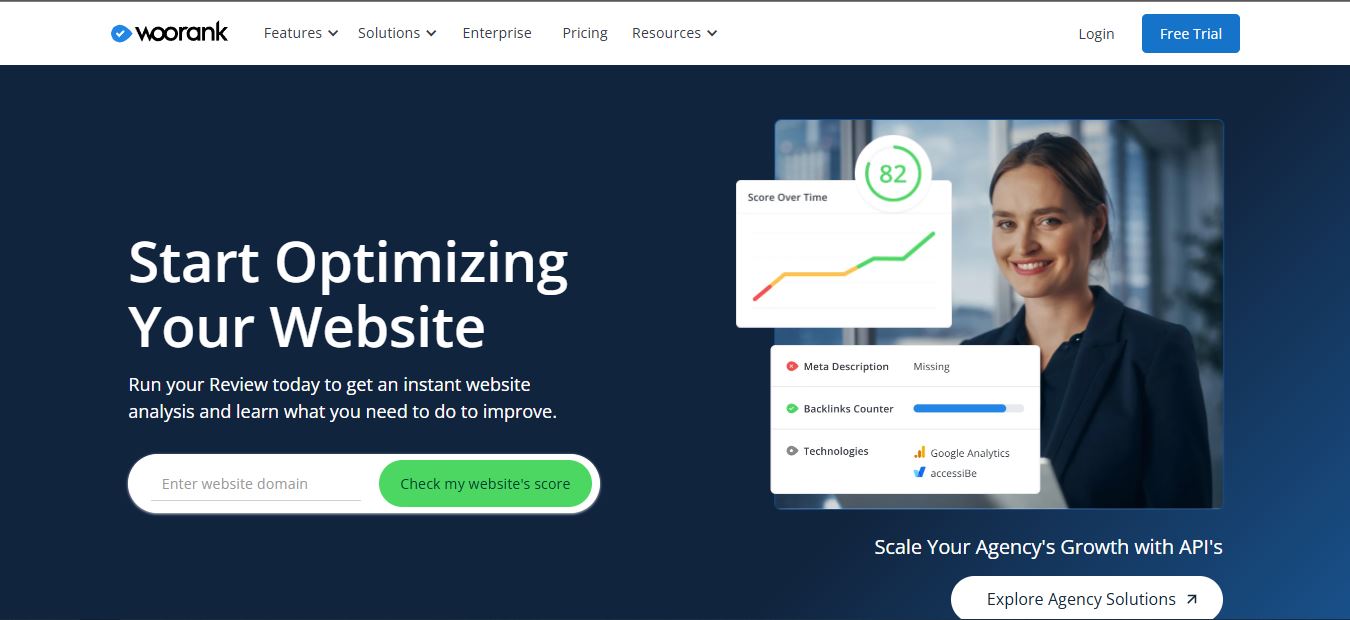
According to WooRank’s own site, the platform has analyzed over 50 million websites, serves roughly 250,000 users a month across 107 countries, and holds a 4.3/5 rating on G2, 4.5/5 on Capterra, and 4.6/5 on GetApp. It’s owned and operated by Bridgeline Digital, which also runs the accessiBe-powered accessibility scan integration and a lead-gen partnership called Marketing.xyz that’s now bundled into the sales side of the platform.
How I Tested It
I signed up for the 14-day free trial (they place a temporary $1 hold on your card, standard for the industry), ran a full Website Review on this domain and two client sites, set up a Project to track 15 keywords over a two-week window, and generated a white-label PDF to see how the branding customization actually holds up. I also deliberately tried to break things — canceling mid-trial, exporting reports on mobile, and checking how the Site Crawl handled a 400+ page site.

The first thing I noticed running my own review: WooRank flagged a missing hreflang tag on one of my test sites that I’d genuinely overlooked. It also caught a duplicate meta description across two pages before Search Console had picked it up in Coverage reports. That’s the kind of small, specific catch that makes the audit useful beyond a vanity score.
Core Features, Tested One by One
Website Review & Site Crawl
The instant review is still free and doesn’t require sign-up — enter a URL on the homepage and you’ll get a partial score with a sample of what a full report covers. Once inside a Project, the Site Crawl tool goes deeper: on the Pro plan it crawls up to 2,500 pages, Premium bumps that to 10,500. It checks headings, broken links, XML sitemap validity, schema markup, mobile-friendliness, HTTPS status, and duplicate content flagged for canonical fixes. New since the last review cycle: the crawl now surfaces Core Web Vitals data directly through the “Assistant” panel, which didn’t exist in earlier versions of the tool.
Keyword Tool
You get 50 tracked keywords on Pro, 250 on Premium. It shows rank history as a line graph over time, benchmarks you against up to 3 competitors, and suggests new keyword opportunities pulled from content you’ve already published. It’s not a keyword-research tool on the scale of Ahrefs or Semrush — don’t expect deep search-volume clustering — but for tracking “are we moving up or down” on a defined list, it does the job cleanly.
SEO Monitoring
WooRank still babysits your site while you’re not looking. Weekly email digests summarize score changes, and Automatic Uptime Notifications alert you the moment your site goes down — mine fired within about four minutes during a staging-server test I ran deliberately.

White-Label Reports & LeadGen
This is where WooRank earns its agency price tag. You can generate a branded PDF audit for a prospect in under a minute, with unlimited downloads on Premium (Pro caps you at 100 page reviews for PDF export). The LeadGen tool, only on Premium and Enterprise, captures form submissions from visitors who run the free instant review on your embedded widget — a genuinely useful cold-lead source if you’re pitching SEO services.
WooRank Pricing 2026
Pricing has gone up noticeably since 2019, when Pro sat at $59.99/month. Here’s what’s live on WooRank’s official pricing page right now:
| Feature | Pro | Premium | Enterprise |
|---|---|---|---|
| Monthly price | $89.99/mo | $199.99/mo | From $249.99/mo |
| Annual price | $53.25/mo | $133.25/mo | Custom quote |
| Projects (websites) | 1 | 5 | Custom |
| Tracked keywords | 50 | 250 | Custom |
| Site Crawl pages | 2,500 | 10,500 | Custom |
| API calls/month | 2,500 | 1,000 | Full API access |
| White-label PDF reports | Limited (100 reviews) | Unlimited | Unlimited |
| LeadGen tool | ✗ | ✓ | ✓ |
| Index & Benchmarking Tool | ✗ | ✗ | ✓ |
Note: third-party marketplaces like Capterra and G2 sometimes list slightly different figures (I’ve seen $79.99 quoted for Pro). I’ve used the numbers pulled directly from WooRank’s own pricing page — always confirm on woorank.com/en/p/pricing before you buy, since SaaS pricing shifts often.
One important change from the old refund policy documented in older reviews: WooRank previously offered a 48-hour refund window after your trial converted. That’s gone. The current terms state WooRank has a no-refund policy once your paid subscription begins — you’ll get an email warning before the first charge, so the move that matters is canceling before the trial converts if you’re not staying.
No commitment required — cancel before day 14 to avoid charges
Bugs and UX Flaws I Ran Into
No tool is flawless, and I want to be upfront about what tripped me up. The Site Crawl progress bar froze at 87% on a 380-page site for close to six minutes before finishing — the crawl itself completed fine, but the UI made it look stuck. I also found the mobile web app genuinely difficult to use for reviewing full Site Crawl reports; tables don’t reflow well and you end up horizontal-scrolling constantly. And the PDF export occasionally dropped my custom logo on the second attempt, requiring a re-upload to fix — a small but annoying glitch for anyone sending client-facing reports on a deadline.
Pros and Cons
What Works
✅ Fast, actionable instant audits
✅ Genuinely useful white-label reports
✅ Core Web Vitals now built into the Assistant panel
✅ Reliable uptime and email-alert monitoring
✅ No install — fully cloud-based
Where It Falls Short
❌ No refund once your subscription starts
❌ Mobile web app is clunky for full reports
❌ Keyword research is shallow next to Ahrefs/Semrush
❌ Single-user limit unless you’re on Enterprise
❌ Pricing jumped noticeably vs. previous years
Who Should Actually Use WooRank?
If you’re a freelancer or small agency pitching SEO retainers, the Premium plan’s white-label reports and LeadGen tool alone can pay for the subscription with a single closed client. If you’re a solo blogger or small e-commerce owner just wanting a monthly health check, Pro is overkill — you’ll get 90% of the value from free tools like a good SEO toolbar extension and Google Search Console. If you’re managing dozens of client sites at scale, WooRank’s Enterprise API and Index tool compete reasonably against tools like PowerSearchConsole or dedicated visibility platforms like Rankfender, though you’ll want to run a side-by-side trial before committing to an annual plan.
For teams running broader marketing operations, it’s also worth thinking about how WooRank slots in next to tools like ContentStudio for content scheduling or Aprimo for marketing work management — WooRank stays focused on audit and reporting rather than trying to own your whole stack, which honestly I think is a strength. If you’re running affiliate or referral programs alongside your SEO work, pairing it with something like Post Affiliate Pro or Tune rounds out the reporting picture nicely. And if site speed keeps showing up as a recurring flag in your WooRank audits, it might be time to check whether your hosting provider is part of the problem, or explore faster AI website builders if you’re rebuilding from scratch. For local businesses specifically, it’s worth comparing WooRank’s local search insights against a dedicated tool like Local Dominator before you commit to a plan. If your team leans on AI tools day-to-day for content and marketing copy, our breakdown of ChatGPT vs. Gemini for marketers is a useful companion read too.
FAQ
Is WooRank free to use?
You can run a partial instant review for free with no sign-up. Full features require a paid plan, though a 14-day free trial (with a $1 card-verification hold) is available on every tier.
How much does WooRank cost per month?
Pro is $89.99/month billed monthly or $53.25/month billed annually. Premium is $199.99/month or $133.25/month billed annually. Enterprise starts around $249.99/month with custom pricing.
Can I get a refund after subscribing?
No. WooRank currently enforces a no-refund policy once your paid subscription begins. Cancel during the 14-day trial if you don’t intend to continue.
Is WooRank good for beginners?
It’s approachable for people with some SEO background, but the sheer number of flagged issues can overwhelm complete beginners without a bit of guided reading — WooRank’s own blog and SEO guides help fill that gap.
Bottom Line
WooRank in 2026 is a solid, focused SEO and sales-reporting tool that’s earned its place through consistency rather than flashy new features. It’s not the deepest keyword research platform, and the pricing has climbed enough that casual users should think twice, but for agencies and freelancers who need fast audits and polished client-facing reports, it still does what it promises. I’d recommend running the 14-day trial, testing your own site’s Site Crawl, and deciding based on whether the white-label reports alone justify the monthly cost for your business.


