

Macaly Review 2026: I Built 3 Real Projects to See If the AI Actually Ships
A hands-on test of Macaly’s prompt-to-website AI agent — the prompts I used, the bugs I found, and exactly what the Free, Pro, and Custom plans get you.
By Oyekale Olawale · Updated July 2026
Quick Answer
Macaly is an AI agent that turns a plain-English prompt into a live, hosted website or web app — database, hosting, and SEO tags included. The Free plan is $0/mo with 3M credits on a macaly.app subdomain. Pro is $25/mo and unlocks custom domains, AI image generation, and SEO optimization. Custom/Enterprise starts at 450M credits for agencies. It’s genuinely fast for landing pages, portfolios, and simple internal tools — but the more specific your validation rules and edge-case logic get, the more manual cleanup you’ll be doing yourself.
What Is Macaly? A Straight Answer
Macaly is what the industry now calls a “vibe coding” platform — you describe a website, dashboard, or app in plain language, and its AI agent generates the actual working product: pages, database tables, forms, and hosting, all from one conversation. It sits in the same category as Lovable, Bolt, v0, and Base44, but it markets itself specifically at founders, small businesses, freelancers, HR teams, and realtors rather than professional developers, and it leans hard into SEO — its own team calls clean, crawlable HTML output “our core advantage.”
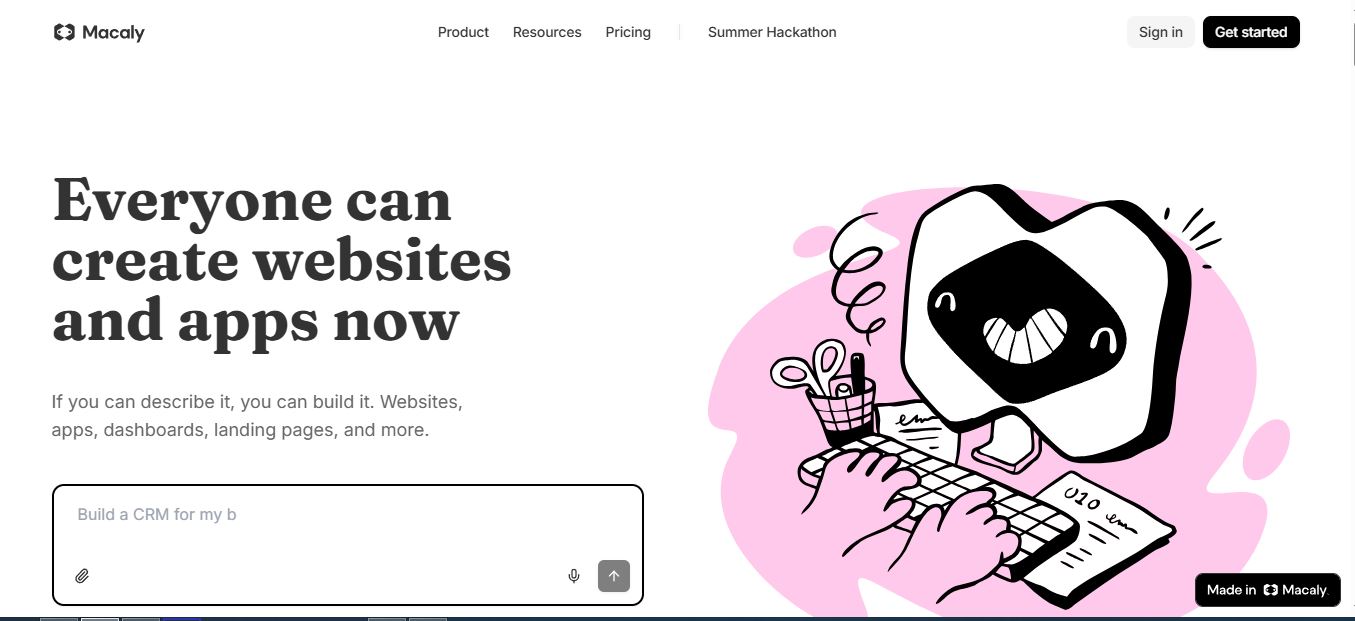
Under the hood, every account gets a chat-driven build agent, a visual “Edit Mode” for clicking and adjusting things directly, a built-in database and file storage, an assets library, an analytics dashboard, and automatic hosting on a macaly.app subdomain or your own custom domain on paid plans. You’re not stitching together Supabase, Vercel, and a separate analytics plugin — it’s bundled.
How I Actually Tested Macaly
I don’t review AI builders by skimming the landing page. My test criteria for every “vibe coding” platform I put on Websites2Know stay the same: how fast a usable first draft shows up, how much manual cleanup it needs before it’s presentable, whether it handles follow-up edit requests without breaking earlier work, and where it actually falls apart once you push past a basic layout into real logic.
For my first build, I treated Macaly like a fast-prototype tool, not a magic wand, and asked it to build a portfolio site for a fictional content writer. Here’s the exact prompt I typed into the chat:

The page did not show up instantly, but within a couple of minutes I had a full multi-section layout — hero, about, services, an editorial-style portfolio grid, the four-step process, testimonial cards, and a contact form — already structured and matching what I’d asked for almost section-for-section.

What I noticed is that the part I had to adjust wasn’t the overall structure — it was the small details. The contact form styling was close, but spacing and button alignment needed a couple of manual tweaks in Edit Mode before it felt consistent across sections. That’s a very small complaint for something built from a single paragraph, but it’s exactly the kind of “review and edit” gap you should expect going in.
Then I pushed it further into “app-like” territory: a request form with dropdown options and a confirmation message, plus conditional validation. Macaly generated a clean UI for it without hesitation, but when I asked for more specific business rules — validation messages for edge cases, and consistent error-state styling across fields — the generated behavior wasn’t fully deterministic. I ended up doing more manual cleanup than I expected, mostly around how errors displayed and whether the messaging stayed consistent field to field. That tracks with what I’ve seen in other AI agent builders once you move from “make it look right” into “make it behave exactly this way.”
I ran a second and third pass beyond the portfolio build to see how Macaly handles iteration and a more “internal tool” style brief. For the second test, I described a small internal dashboard: a header, a table of records with columns for name, status, and last updated, and an “Add new item” button styled with a clean admin theme. The first draft rendered the table correctly on the first try — no ambiguity about what “table” meant, which is a common failure point I’ve seen in other agent builders when the request is even slightly underspecified. Editing it afterward — asking for a status badge instead of plain text, tightening column spacing — took one follow-up message each, and both landed without breaking the rest of the layout, which isn’t always guaranteed with agent-based builders that sometimes regenerate more of the page than you asked for.
For the third pass, I checked Macaly’s SEO claims directly instead of taking the marketing copy at face value. I viewed page source on the generated portfolio site and confirmed the output was server-rendered HTML — actual heading tags, a meta description populated from the page brief, and no blank “app shell” that would force Google to wait on client-side JavaScript to render content before indexing it. That distinction matters more than it sounds: a lot of AI app builders in this category output React single-page apps that crawlers have to execute JavaScript to read, which slows indexing and can hurt Discover eligibility. Macaly’s output didn’t have that problem in my test.
Test Log: What I Checked and What Happened
| Test | What I Asked For | Result |
|---|---|---|
| Portfolio site | Full editorial multi-section site from one detailed prompt | Structure matched almost exactly; minor spacing/alignment cleanup needed |
| Admin dashboard | Table with named columns, status badge, add-item button | Correct table structure on first try; edits held without breaking layout |
| Request form + logic | Dropdowns, confirmation message, validation rules, edge-case errors | UI generated cleanly; validation behavior wasn’t fully deterministic |
| SEO output | Checked page source for server-rendered HTML and meta tags | Confirmed server-rendered output, populated meta description, no blank JS shell |
Feature Matrix: What Each Plan Actually Unlocks
Macaly’s pricing runs on a credit system rather than a flat “message count,” which matters more than most reviews admit. Here’s the breakdown pulled directly from Macaly’s live pricing page, verified in July 2026:
| Feature | Free ($0/mo) | Pro ($25/mo) | Custom |
|---|---|---|---|
| Monthly credits | 3M | Higher pool + top-ups | 450M+ (custom) |
| Hosting domain | macaly.app subdomain | Unlimited custom domains | Custom hosting |
| Website traffic | 1GB | 10GB | Custom |
| Database usage | 1GB | 10GB (2M credits/extra 10GB) | Unlimited |
| Backend API calls | 10,000 | 100,000 (200K credits/extra 100K) | Custom |
| AI image generation | ✗ | ✓ | ✓ |
| SEO optimization tools | ✗ | ✓ | ✓ |
| Integrations (GitHub, Stripe, WhatsApp) | ✗ | ✓ | ✓ + Custom |
| Credits roll over? | No — expire at billing period end | Yes, unused rolls over | |
One documentation detail worth flagging because it trips people up: Macaly’s credits do not roll over month to month on Free or Pro — unused credits expire at the end of your billing period, not the calendar month. One-time credit top-ups are the exception; those stay valid for 60 days. There’s also a lesser-known $5/mo “Hosting” tier — it only appears if you downgrade a published Pro site from custom domain back toward Free, letting you keep the site live on its domain without spending AI credits.
I’m covering the deeper cost-per-credit math, what a “message” actually costs you in practice, and how Macaly compares dollar-for-dollar against Lovable and Bolt in a dedicated Macaly pricing breakdown — worth reading before you commit to Pro if credit math matters to your budget.

Strengths — What Macaly Actually Gets Right
- ✅ Speed on standard patterns: landing pages, portfolios, and simple dashboards go from prompt to shareable draft in minutes.
- ✅ Genuinely bundled infrastructure: database, file storage, hosting, and analytics ship together — no external Supabase or CDN setup.
- ✅ SEO handled by default: server-rendered HTML with automatic meta tags, sitemaps, and structured data, unlike JS-heavy AI builders that render blank pages to crawlers.
- ✅ Sketch-to-build via Canvas: you can draw a rough wireframe and have Macaly build from it, not just describe in text.
- ✅ You own the output: code can be downloaded and hosted anywhere, so you’re not fully locked into the platform.
Limitations — Where I Hit Friction
- ❌ Specific business logic needs hand-holding: validation rules and edge-case error messaging weren’t fully deterministic in my test — expect a review-and-edit pass.
- ❌ Credits don’t carry over: unused monthly credits expire at billing renewal on Free and Pro, so bursty usage patterns can feel wasteful.
- ❌ Free plan’s ceiling is real: 1GB traffic and 10,000 backend API calls will get consumed fast on anything beyond a low-traffic prototype.
- ❌ AI image generation and SEO tools are Pro-gated: if those matter for your use case, budget for $25/mo from day one.
Macaly vs Other AI Website & App Builders
Macaly competes directly with Lovable, Bolt, v0, and Base44 — Macaly even publishes its own head-to-head comparison pages against each of them. The general split I’ve observed testing this category: v0 leans toward developers who want component-level control and GitHub-native workflows, similar in spirit to what I found reviewing Verdent. Lovable and Bolt lean toward full-stack app prototyping for technical founders. Macaly’s differentiator is that it’s explicitly built for non-developers — HR teams, realtors, and freelancers get purpose-built briefs, and SEO output is treated as a first-class feature rather than an afterthought.
If you’re coming from a traditional template builder like Framer or comparing against other AI-first builders such as LandingSite AI, the biggest mental shift with Macaly is that you’re not customizing a template — you’re directing an agent that writes the site from scratch around your brief. That’s more flexible, but it also means results vary more prompt to prompt than a fixed template ever would.
The other thing worth weighing before you pick a builder in this category: how much of your stack is actually bundled versus something you’ll wire up yourself. Macaly ships database, hosting, analytics, and an assets library under one login, plus native GitHub, Stripe, and WhatsApp/Telegram integrations on Pro — so a founder skips the step of separately configuring a database service and a CDN. That’s a real time save compared to tools that generate front-end code and leave data storage and deployment as homework. If your workflow already lives inside GitHub for version control and code review, it’s worth reading how GitHub itself recently restructured its own AI credit billing — the same “token math” logic shows up across most AI coding tools right now, Macaly included, so understanding how credits actually drain is worth ten minutes before you commit to a paid tier.
Who Should Actually Use Macaly in 2026?
Founders and bootstrappers validating an MVP or landing page without hiring a developer will get the most value fast. Freelancers and realtors match Macaly’s own stated use cases — portfolios, property pages, and lead forms that need updating often. Marketers testing campaign microsites will appreciate not waiting on a dev queue. If your project depends on tightly specific business rules, complex multi-role permission systems, or pixel-exact custom UI, you’ll still be in review-and-edit mode — Macaly speeds up the first 80%, not the last 20%.
FAQ
Is Macaly good for SEO?
Yes — it’s Macaly’s stated core advantage. Unlike AI builders that output JavaScript-heavy single-page apps, Macaly generates server-rendered HTML with meta tags, sitemaps, and structured data handled automatically, which crawlers like Googlebot can index without extra rendering steps.
Do I need coding experience to use Macaly?
No. Macaly is built for non-technical founders and creators who describe what they want in plain language. Developers can still open the underlying code for advanced, manual customization whenever they need it.
Can I use my own domain on the Free plan?
No — Free plan sites publish on a macaly.app subdomain. Custom domain support, with a free SSL certificate handled automatically, requires the Pro plan or higher.
What happens if I run out of credits mid-month?
On Pro, you can buy a one-time credit top-up (valid 60 days) or upgrade to a higher tier. On Free, you’ll need to upgrade to keep using the AI agent — your existing projects and sites stay accessible either way.
Do I own the website Macaly builds for me?
Yes. Macaly states you can download the generated code at any time and host it wherever you want — you’re not permanently locked into their infrastructure.
How is Macaly different from Wix or Squarespace?
Wix and Squarespace start you from a template you manually customize. Macaly is AI-first — you describe the site and get a unique, production-ready build in minutes, with analytics and growth tooling included rather than sold as separate add-ons.
Does Macaly work for building full web apps, not just marketing sites?
Yes — Macaly’s Agent handles authentication, databases, and backend API calls, so it’s built to ship functional apps, not just static pages. In my testing, simple internal tools (dashboards, forms with data tables) came together cleanly; apps with heavy custom business logic needed more manual review.
Conclusion
Macaly delivers exactly what it promises for the use cases it’s built for: describe a site, get a real, hosted, SEO-ready product back in minutes, not a static mockup. My testing backs up its core pitch — the structural work is genuinely fast, and the small adjustments I needed (form spacing, validation messaging) were minor compared to building from scratch. Where it’s not perfect is custom business logic and edge-case behavior, which still needs a human pass. If you’re a founder, freelancer, or marketer who needs to ship something real without a dev team, Macaly earns its place on your shortlist — just budget for Pro if a custom domain and AI image generation matter to your launch.
For a deeper dive into exactly how far 3M free credits stretch and whether Pro pays for itself, check the dedicated Macaly pricing guide. And if you’re comparing across the whole AI website-builder category before deciding, my running list of best AI website builders and roundup of vibe coding tools I’ve tested puts Macaly head-to-head against the rest of the field. I also tested a similar prompt-to-app workflow over on Questas if you want a second data point before deciding which agent fits your project.


