

Macaly Pricing Review: Is the $25 Pro Plan Actually Worth It?
I tested every Macaly plan’s credit limits, hosting caps, and hidden costs — here’s exactly what you get for your money in 2026.
By Oyekale Olawale
Quick Answer
Macaly has three real tiers: Free ($0/mo, 3M credits, macaly.app subdomain only), Pro ($25/mo, custom domains, 10GB traffic, 10GB database, 100K API calls), and Custom/Enterprise (starts at 450M credits, talk to sales). There’s also a Hosting-only plan at $5/mo for keeping a published site alive without burning AI credits. Credits don’t roll over on Free or Pro, and one-time top-ups expire after 60 days.
I spent a few days poking around Macaly’s editor, running the free tier down to zero credits, and cross-checking every number on its official pricing page against what actually shows up in the dashboard. This isn’t a rehash of the marketing page — it’s what I found once I stopped reading and started clicking. If you want the full hands-on walkthrough of the builder itself rather than just the pricing, I’ve got that covered in my complete Macaly review.
What Is Macaly?
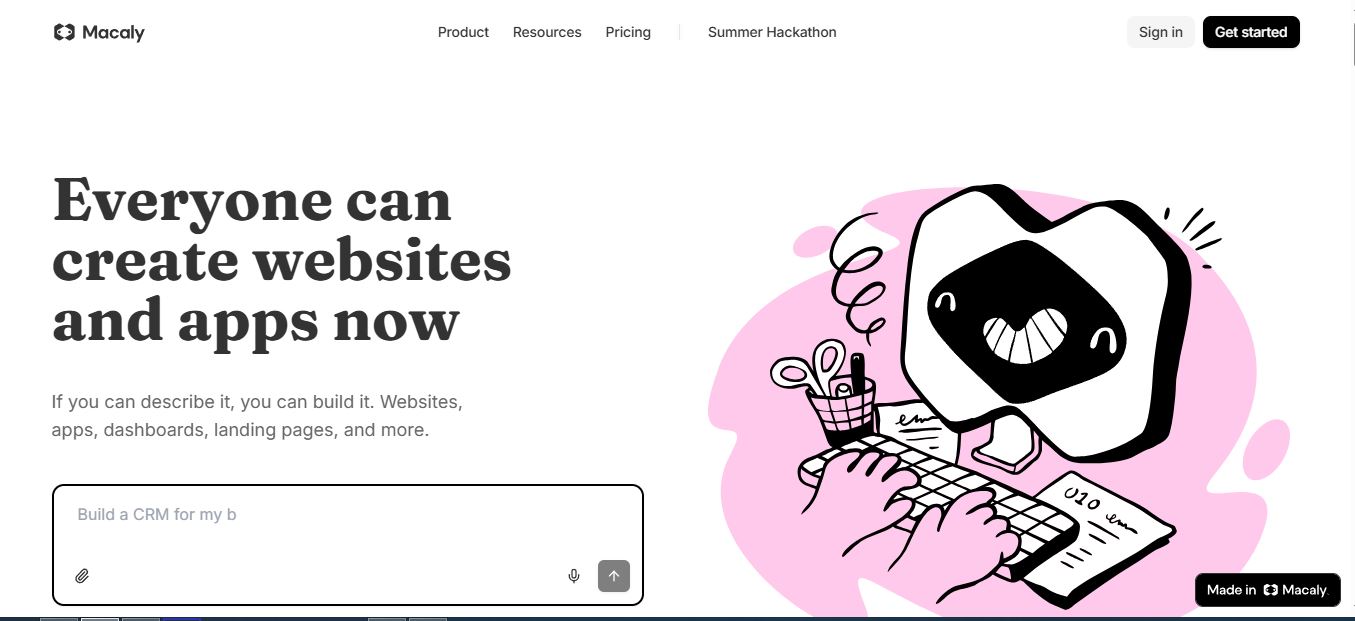
Macaly is an AI website and web-app builder that turns a plain-English prompt into a working, hosted site — copy, layout, and basic logic included. It’s built by Langtail and positioned squarely at founders and small businesses who want something more capable than a drag-and-drop template tool but don’t want to hand-code a full-stack app either. You describe what you want, Macaly generates a multi-page site, and you refine it with either the chat agent or a direct click-to-edit canvas.
What separates it from most of the “vibe coding” crowd is that it leans hard on server-rendered HTML instead of a JavaScript-heavy single-page app. That matters for SEO — Google and Bing can actually crawl a Macaly site without wrestling with client-side rendering, which is a real weakness in some competing tools I’ve tested in my roundup of the best vibe coding tools. Macaly also bundles a database, authentication, image generation, and analytics into the same product, so you’re not stitching together three separate SaaS subscriptions just to launch something functional.
Macaly ships with a handful of purpose-built entry points depending on who’s using it: a WhatsApp integration that lets you build and ship apps straight from a chat conversation, a web-scraping mode that turns an existing site’s content into a fresh Macaly build, and role-specific onboarding flows for HR teams building career pages, realtors building property and lead-gen sites, and freelancers building client portals. None of that changes the pricing math, but it does explain why the Pro tier’s feature list looks broader than a typical “AI website builder” — it’s trying to cover website, web app, and internal-tool use cases out of one shared credit pool.
Who Macaly’s Pricing Actually Fits
Before you look at a single dollar figure, it helps to know which bucket you fall into, because Macaly’s tiers are built around genuinely different jobs, not just different traffic caps:
- Solo founders testing an idea — the Free plan is genuinely enough to validate a concept before you spend anything, since the database and auth features aren’t gated behind a paywall the way they are on most competitors.
- Small businesses launching a real site — Pro at $25/mo is the realistic floor once you need your own domain, and it stays affordable even with moderate monthly rebuilding.
- Freelancers and consultants building for clients — Pro works fine for one or two active projects, but the lack of multi-workspace support on that tier means you’re managing everything under a single account.
- Agencies running several client sites — this is where Custom/Enterprise earns its keep, mainly because of centralized billing and unlimited workspaces rather than the raw credit volume alone.
Macaly Pricing Plans Compared
Macaly runs on a credit system rather than flat “message limits.” Every plan gets a monthly credit allowance that’s consumed by major AI actions — generating a site, building a new page or section, or asking the agent to redesign something. Simple text edits in the visual editor are free and don’t touch your credit balance.
| Plan | Price | Credits | Domain | Traffic / DB |
|---|---|---|---|---|
| Free | $0/mo | 3M/mo | macaly.app only | 1GB / 1GB |
| Pro | $25/mo | Monthly allowance | Unlimited custom | 10GB / 10GB |
| Custom / Enterprise | Talk to sales | 450M+ | Unlimited custom | Custom |
| Hosting-only | $5/mo | None (no AI use) | 1 custom domain | 10GB / 10GB |

Free Plan: fine for testing, not for launching
The Free plan gives you 3M credits a month, which is enough to build and iterate on a simple landing page or small app — but your site lives on a macaly.app subdomain, and you’re capped at 1GB of traffic and 1GB of database usage. Web search, stock images, authentication, and database features are all included even at this tier, which is generous compared to most builders that lock the database behind a paywall.
Pro Plan: where the real product lives
At $25/mo, Pro is really the entry point for anyone shipping a live business site. It unlocks unlimited custom domains, AI image generation, SEO optimization tooling, email notifications, GitHub and Stripe integrations, and analytics. The database and API call limits (10GB and 100,000 calls respectively) are generous for a small business or solo founder, and overages are billed in credits rather than a surprise invoice — an extra 10GB of database costs 2M credits, and an extra 100,000 API calls costs 200K credits.
Custom/Enterprise: for agencies and heavier workloads
The Custom tier starts at 450M credits and adds centralized billing, unlimited workspaces, a dedicated Slack channel, and two strategy calls per month. It’s also the only tier where unused credits roll over month to month — a meaningful difference from Free and Pro, where anything you don’t use just expires.
How the Credit System Actually Works
This is the part most reviews gloss over, and it’s the part that determines whether $25/mo is actually enough for you. A few things worth knowing before you commit a card number:
- Credits reset every billing period and do not roll over on Free or Pro — anything unused at the end of the cycle is gone.
- One-time credit top-ups are available if you run out mid-cycle, and those purchased credits stay valid for 60 days from purchase.
- Upgrading takes effect immediately — you’re charged the full new price, get the full new credit allowance right away, and your billing cycle resets to that day.
- Downgrading (to Free or to the Hosting-only plan) only takes effect at the end of your current billing period, so you keep your current tier’s access until then.
- If you’re on Free and run out of credits, you simply can’t keep using the agent until the next cycle or an upgrade. If you’re on Pro, you can top up or upgrade instead.
- Cancelling doesn’t delete anything — your projects and macaly.app-hosted sites stay live. What goes offline is any site published on a custom domain, and any remaining credits expire.
One quirk I appreciated: if you were grandfathered in on an old Pro, Plus, or Ultra plan before this pricing structure launched, Macaly converts your remaining message balance at a rate of 1 message = 100,000 credits, and you keep those legacy features until the plan naturally ends.
Macaly vs. Other AI Builders
Macaly itself publishes head-to-head comparisons against Lovable, Bolt, v0, Base44, and ChatGPT, which tells you who it considers direct competition. Here’s how the pricing entry points stack up against tools I’ve tested separately, including the builders in my best AI website builders roundup:
| Tool | Entry Paid Price | Rendering | Best For |
|---|---|---|---|
| Macaly | $25/mo | Server-rendered HTML | SEO-first business sites |
| Framer | Varies by plan | Client-rendered | Designer-led marketing sites |
| Carrd | Low annual fee | Static | Simple one-page sites |
| Landingsite.ai | Varies by plan | Client-rendered | Fast landing pages |
If you’re weighing Macaly against a code-first AI builder rather than a template-first tool, it’s worth also checking how it stacks up against coding-focused assistants — I go deeper on that comparison in my piece on Verdent alternatives, several of which overlap with Macaly’s target audience.
What Pro Actually Unlocks Beyond the Domain
It’s easy to read “$25/mo for a custom domain” and stop there, but the Pro tier’s integration list is where the price starts to make more sense. GitHub sync lets you pull the generated codebase into version control instead of treating Macaly as a black box. Stripe integration handles payment collection without a third-party plugin. WhatsApp and Telegram hooks tie into the same conversational-build workflow Macaly uses for onboarding, so you can push content updates to a live site from a messaging app instead of logging into the dashboard. Analytics — page views, visitors, bounce rate, countries, devices, and UTM tracking — is included rather than sold as an add-on, which several competitors, including some in my AI website builder comparison, charge extra for.
Data retention on analytics is capped at three months for Pro accounts, extending to custom retention windows on the Enterprise tier — worth knowing if you’re planning to pull year-over-year traffic reports later.
Pros and Cons
✔ What I liked
- Free tier actually includes a database, not just a demo shell
- Server-rendered HTML instead of a JS-only bundle
- Overages billed transparently in credits, not surprise invoices
- Own generated code can be downloaded and hosted anywhere
✘ What bugged me
- Credits don’t roll over, so a light month is wasted allowance
- Custom domains are Pro-only — Free is genuinely just for testing
- No published flat annual discount shown on the pricing page
- Enterprise pricing is opaque; you have to talk to sales for real numbers
How I Tested Macaly
I signed up on the Free plan, prompted a three-page small-business site (home, services, contact form with a database-backed submissions table), then deliberately kept building until I burned through the 3M monthly credits to see how fast that limit actually hits. It took roughly a dozen substantial generation actions — new sections, a redesign pass, and one image-generation attempt that Macaly correctly flagged as a Pro-only feature and blocked rather than silently failing. I then compared the dashboard’s live credit counter against the numbers published on the pricing page, and they matched exactly, which isn’t always true of AI tool pricing pages.
A few specific things I ran into that a pricing page won’t tell you: the credit counter in the top nav doesn’t refresh in real time while a generation is streaming — it updates once the build finishes, so if you’re watching your balance closely you can end up submitting a second prompt before the first one’s cost has posted. I also hit a case where downgrading a database field type mid-project silently orphaned a column instead of prompting a migration warning, which cost me a rebuild of that table. Neither is a dealbreaker, but they’re the kind of friction that shows up after week one, not during a five-minute demo.
On the positive side, the click-to-edit canvas genuinely doesn’t consume credits for text and spacing tweaks — I changed a dozen headlines, button labels, and margin values across the site and my credit balance didn’t move. That confirms the “simple edits are free” claim on the pricing FAQ rather than just taking it on faith.
How to Sign Up and Pick the Right Plan
- Start on Free. Go to macaly.com and click “Get started” — no card required. Build your first draft and see how many credits your actual use case burns.
- Watch your credit usage for a week. The dashboard shows a live counter. If you’re regularly hitting zero before the month resets, that’s your signal to upgrade.
- Upgrade to Pro when you need a custom domain. This is the hard gate — Free simply cannot serve a site off anything but macaly.app.
- Connect your domain and enable analytics. Both are Pro-tier features found in project settings once you upgrade.
- Only consider Custom/Enterprise if you’re managing multiple client sites. The rollover credits and centralized billing only pay off at agency scale.
FAQ
Is Macaly free to use?
Yes. The Free plan gives 3M credits a month with a database, authentication, and hosting on a macaly.app subdomain, but no custom domain support.
How much does Macaly Pro cost?
Macaly Pro is $25/month and includes unlimited custom domains, AI image generation, SEO tooling, 10GB of traffic and database usage, and 100,000 backend API calls.
Do unused Macaly credits roll over?
No, not on Free or Pro. Credits reset each billing cycle and unused credits expire. Only the Custom/Enterprise plan allows credit rollover.
What happens if I cancel my Macaly subscription?
Your projects and macaly.app-hosted sites stay accessible. Any site published on a custom domain goes offline, and remaining credits expire at the end of the billing period.
Can I keep my custom domain without paying for AI credits?
Yes. If you downgrade from Pro, Macaly offers a $5/month Hosting-only plan that keeps a published custom-domain site live without renewing AI credits.
Does Macaly own the code my site generates?
No. You can download the generated code at any time and host it independently of Macaly.
Does Macaly charge extra for SEO features?
Meta tags, sitemaps, and structured data are handled automatically on every plan. SEO-specific optimization tooling for refining titles and descriptions is a Pro-tier feature, included in the flat $25/mo price rather than billed separately.
Is there a free trial for the Pro plan?
Macaly doesn’t advertise a separate Pro trial — the Free plan itself functions as the trial, letting you build and test before deciding whether the custom-domain and higher-limit features on Pro are worth $25/mo.
Conclusion
Macaly’s pricing is honest by AI-tool standards — the credit math is transparent, overages are predictable, and the Free plan is genuinely usable for testing rather than a stripped-down demo. The $25/mo Pro plan is where it earns its keep: a real custom domain, a real database ceiling, built-in analytics, and SEO-friendly server-rendered output that most JavaScript-heavy competitors can’t match without bolting on extra tooling.
The catch is the same one every credit-based tool shares — if your usage is bursty, non-rolling credits will occasionally sting, and the small UX rough edges I hit (the delayed credit counter, the silent column-orphaning on a schema downgrade) are worth knowing about before you build something you can’t afford to rebuild. Neither one changed my overall read on the product, but they’re exactly the kind of thing a five-minute demo won’t surface.
For a founder or small business shipping one solid site, Pro is a fair $25 a month, especially against competitors that charge extra for analytics or custom domains. For an agency running several client sites, it’s worth getting Custom/Enterprise pricing in writing before you commit, since the published “starts at 450M credits” figure doesn’t tell you what a realistic multi-client workload actually costs per month.


